Features
Discover the powerful features that make AliasVault the ultimate solution for password and identity management.
- Home
- Features
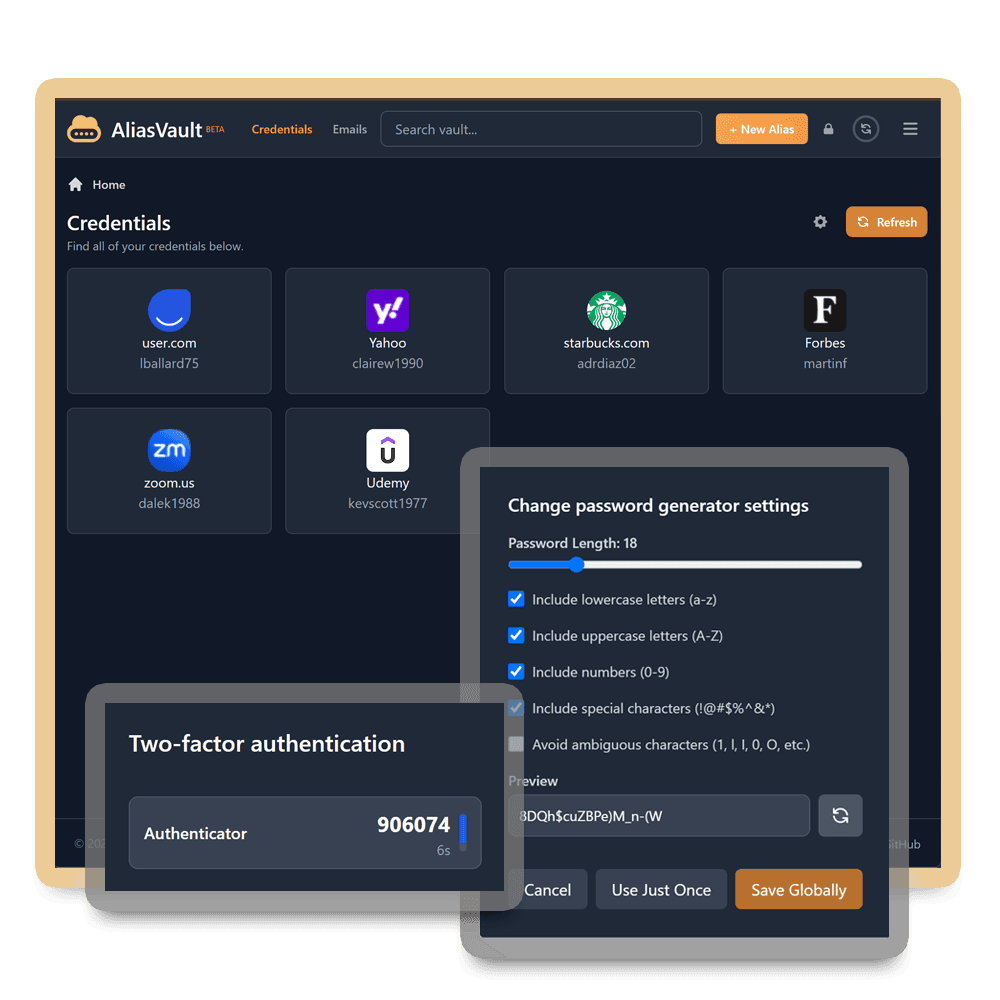
Password Management
Securely store, generate, and manage all your passwords and passkeys in one place with AliasVault's powerful password and passkey management features.
Password Manager & Passkeys
Store all your passwords securely in one place with industry-leading end-to-end encryption. Generate strong, unique passwords and create passkeys via the browser extension, iOS and Android apps. All synced across your devices.
True Offline Access
Full offline mode including local editing, something few password managers offer. View and edit your vault completely without internet; changes sync automatically when you're back online, with built-in conflict merging across all apps and devices.
Built-in 2FA Authenticator
Store and generate 2FA secrets for all your accounts directly in AliasVault.
Password Sharing(Coming Soon)
Securely share access to stored passwords with family members or team members.
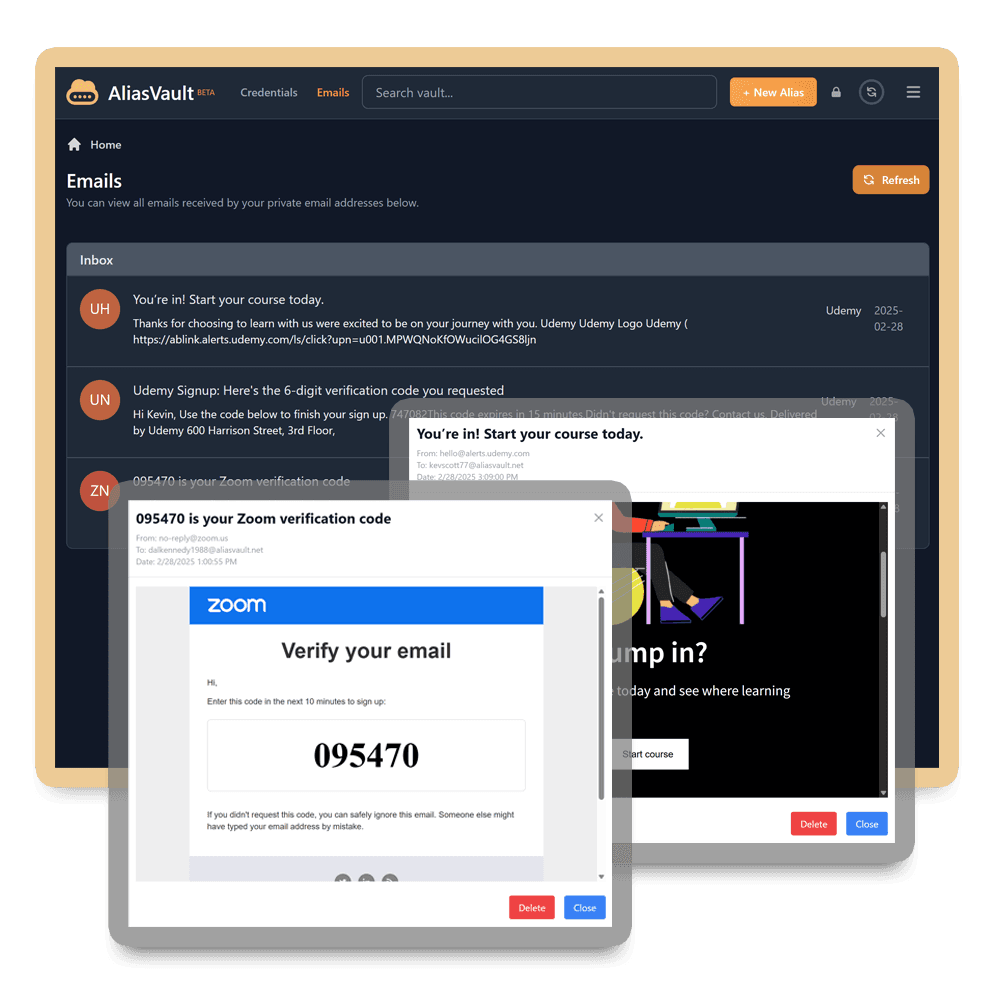
Email Aliases
Create unique email addresses for different services to protect your primary email and reduce spam with AliasVault's built-in email server. No external dependencies.
Built-in Email Server
Create unique email addresses and receive emails directly in AliasVault without needing a third-party email service.
Alias Generator
Generate unique email addresses with full alias support including first name, last name, birth date and more.
Custom Domains (self-hosted)
Use your own domain for your email aliases in self-hosted setups.
Custom Domains (cloud-hosted)(Coming Soon)
Use email aliases with your own domain on the official cloud-hosted AliasVault server.
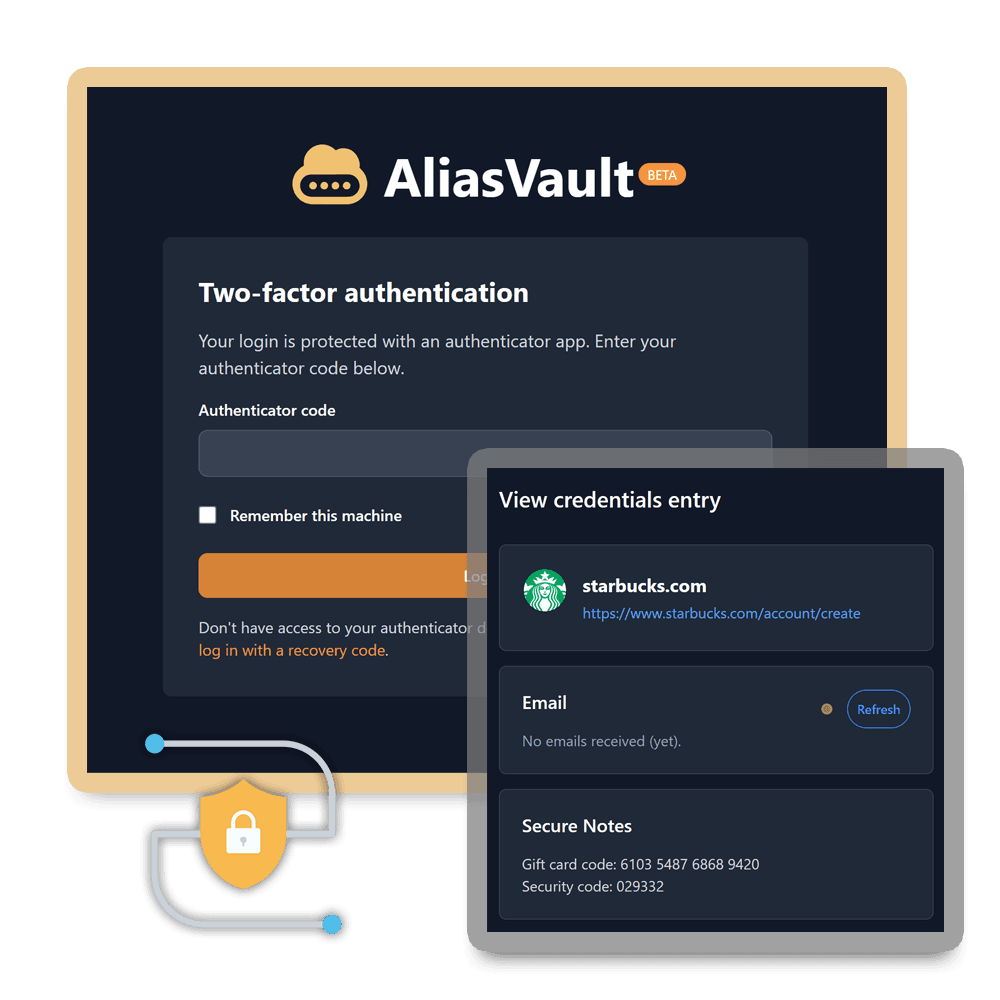
Security Features
AliasVault uses industry-standard encryption and security measures to protect your data.
End-to-End Encryption & 2FA
All data is encrypted on your device before being backed up online. Your master password is never transmitted to the server. Add an extra layer of security to access your vault with two-factor authentication.
Biometric Authentication
Unlock your vault using fingerprint or face recognition on supported devices via WebAuthn.
Automatic clipboard clearing
Data copied from AliasVault is automatically cleared from your clipboard after a set time. Works on all platforms.
Secure Notes & Attachments
Store sensitive information like credit card details, secure notes, and other confidential data inside your vault.
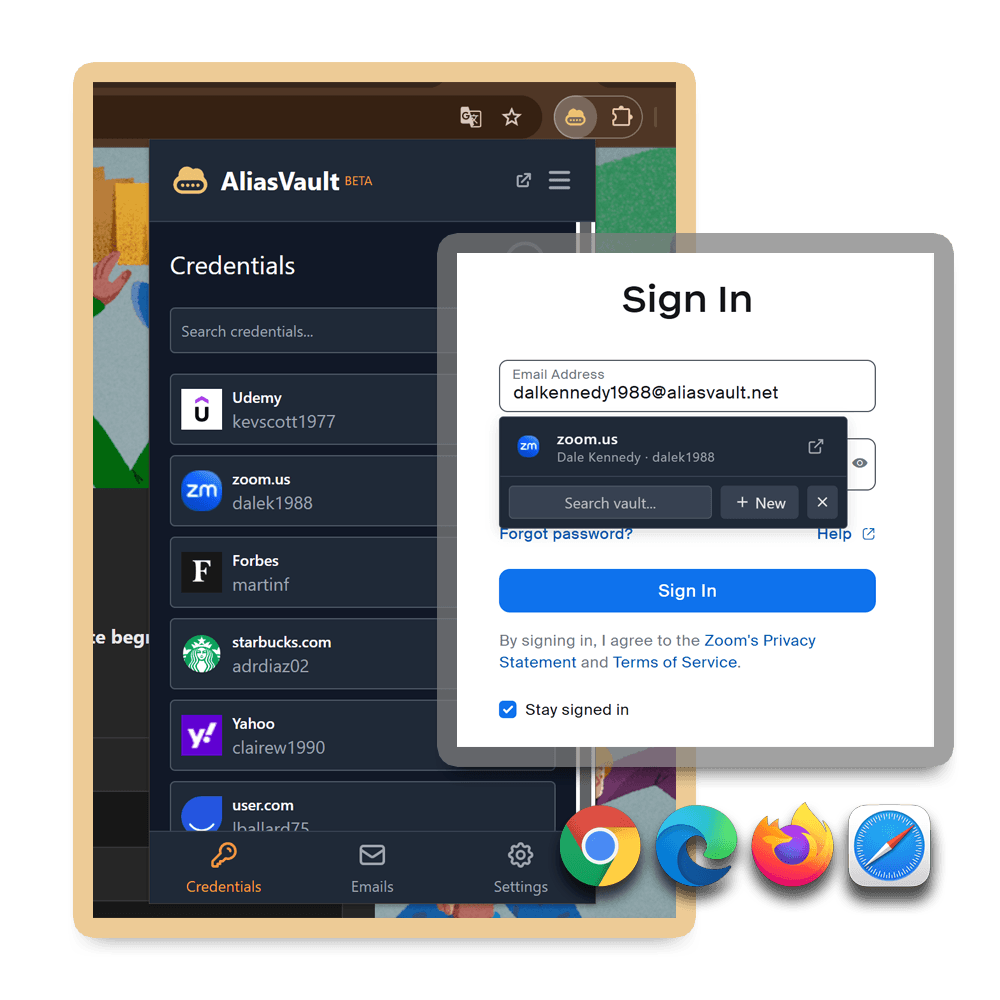
Browser Extensions
Access your vault from anywhere with AliasVault's browser extensions.
Available for every browser
The AliasVault browser extension is officially available for Chrome, Firefox, Edge, Safari. Additional Chrome-based browsers are also supported such as Brave, Vivaldi and Opera.
Autofill Credentials
Seamlessly autofill (user)names and passwords while you browse.
Offline Access
Full offline access and local editing in the extension: view and edit your vault without internet; changes sync automatically when you're back online.
Email Alias Generator
Generate (email) aliases directly from the browser extension with a simple click.
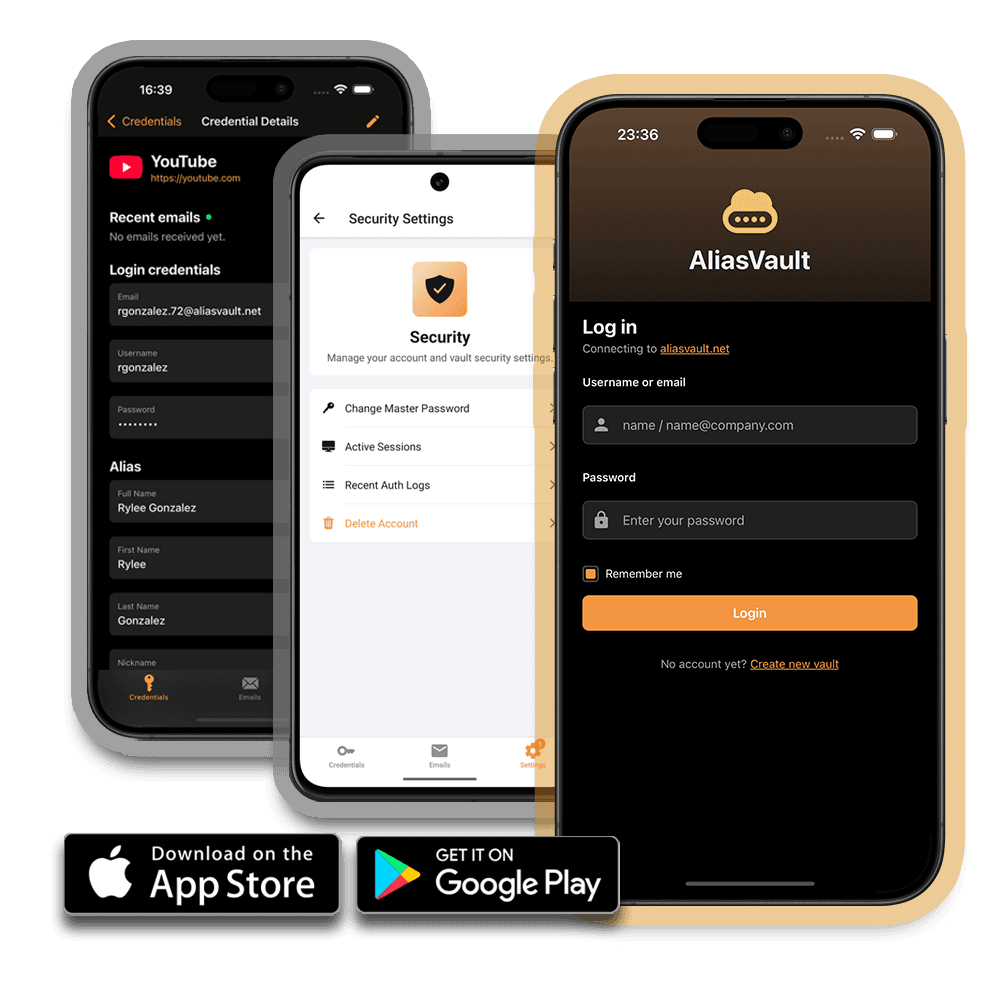
Mobile Apps
Access your vault from anywhere with AliasVault's mobile apps.
iOS & Android Apps
Access your vault on your iPhone, iPad, or Android device with the official mobile apps. Both apps support native autofill and biometric authentication (Face ID, Touch ID, fingerprint), keeping your data secure. Available on the App Store, Google Play and F-Droid.
Unlock with Mobile
Login or unlock your vault in the web app or browser extension using your mobile device. Simply scan the QR code with your already-authenticated mobile app, preventing you from having to re-enter your master password. This makes it easy to access your vault everywhere.
True Offline Mode
Full offline access including local editing: view and edit your vault without internet, with automatic sync when you're back online. Always have access to your credentials wherever you are, in areas with poor connectivity or when you prefer to work offline.
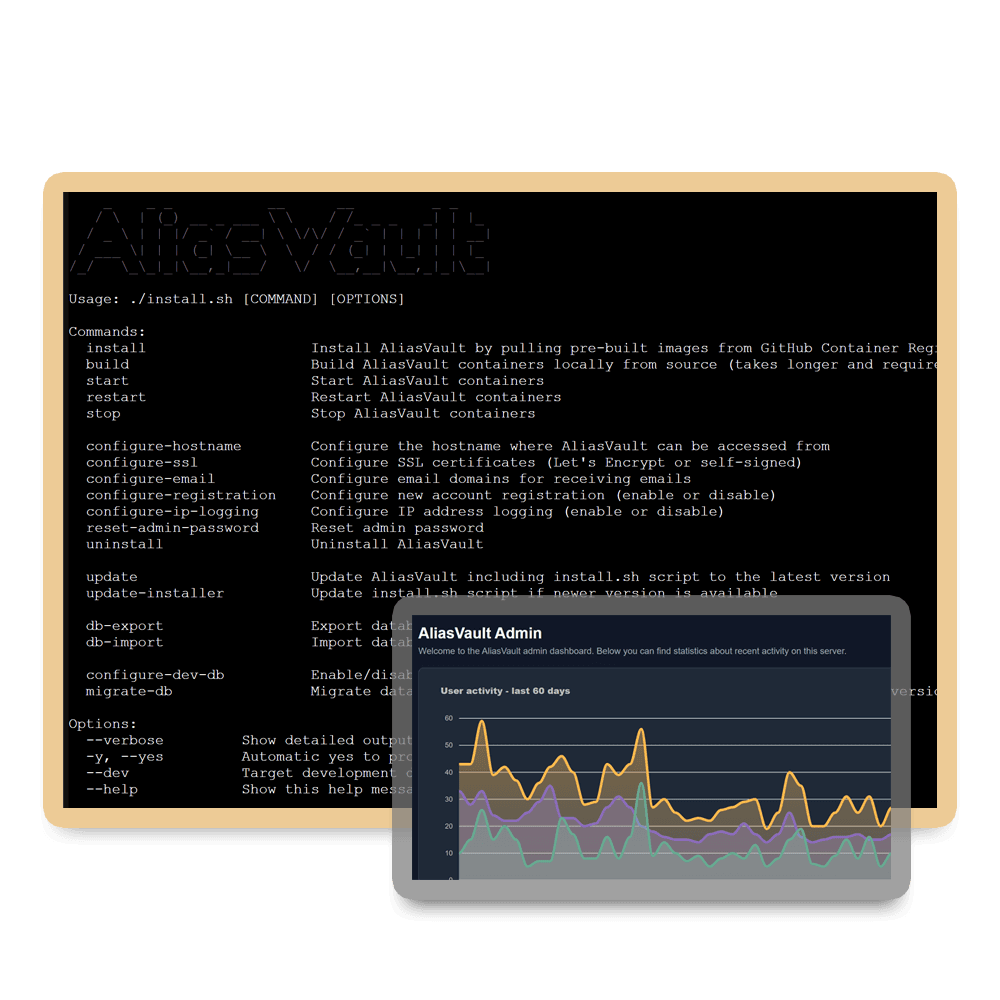
Self-hosting Support
Take full control of your data by self-hosting AliasVault on your own server or a cloud provider of your choice.
Cloud or Self-hosted
Use the official AliasVault cloud service for convenience or self-host on your own server for complete control of your data.
Free and Open-Source
Completely free and open-source software, with source code available on GitHub.
Admin Panel & Logs
Track all activities on your server with the built-in admin panel and audit logs.
Family & Team Management(Coming Soon)
Share vaults with family members and team members via organizational features.
Track our progress and see what's coming next on our roadmap on GitHub
Protect your privacy, improve your security
Stop spam • Protect your privacy • Open source
Get started with AliasVault