Looking for a 1Password Alternative?
AliasVault is a modern password manager with built-in email aliases, fully open-source, a generous free tier, and unique privacy features. Use it in the cloud or self-host it.

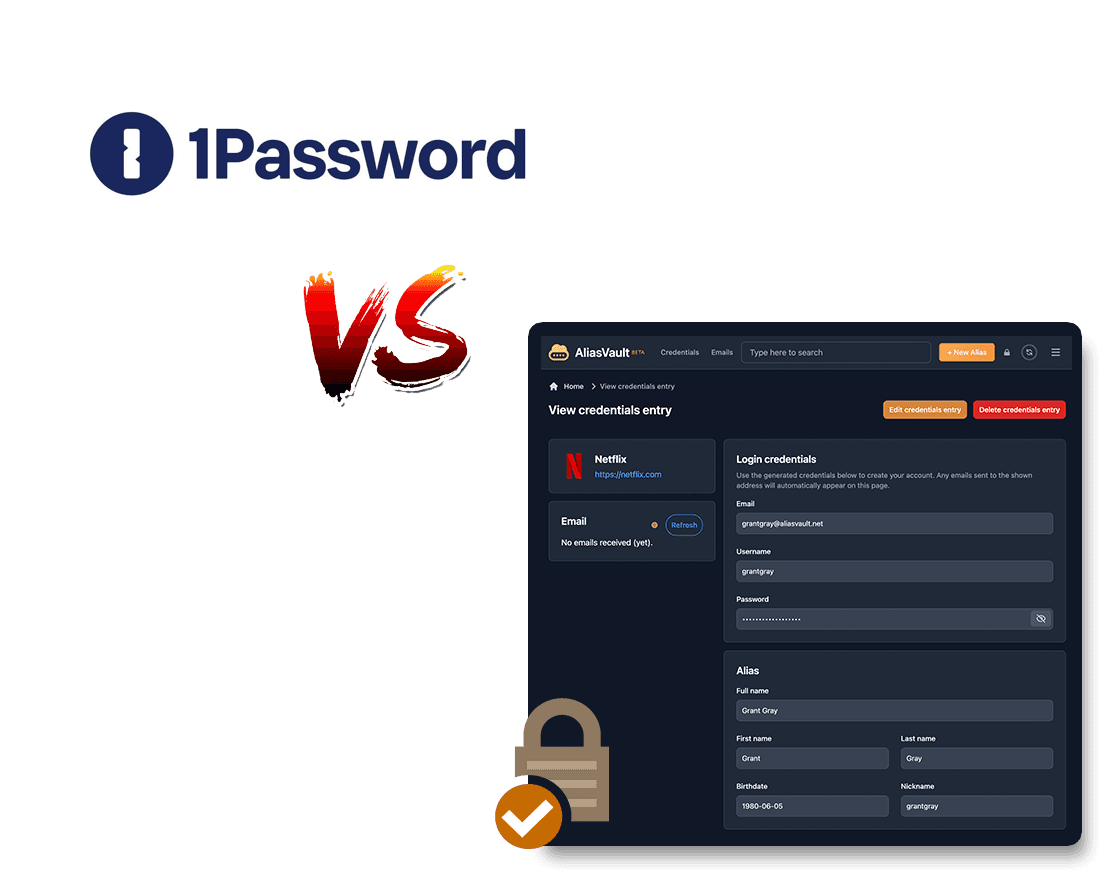
Why Choose AliasVault over 1Password
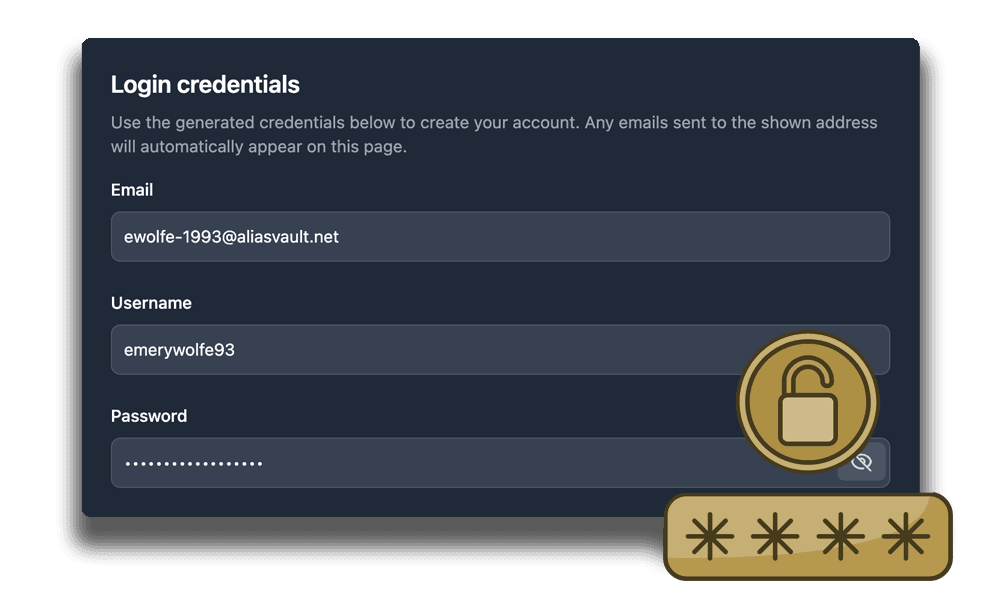
Built-in aliases and an encrypted email inbox
While 1Password focuses mostly on passwords, AliasVault includes built-in email aliases without requiring any third-party integrations. AliasVault is designed for individuals, making it simple to use, yet very powerful for privacy protection.
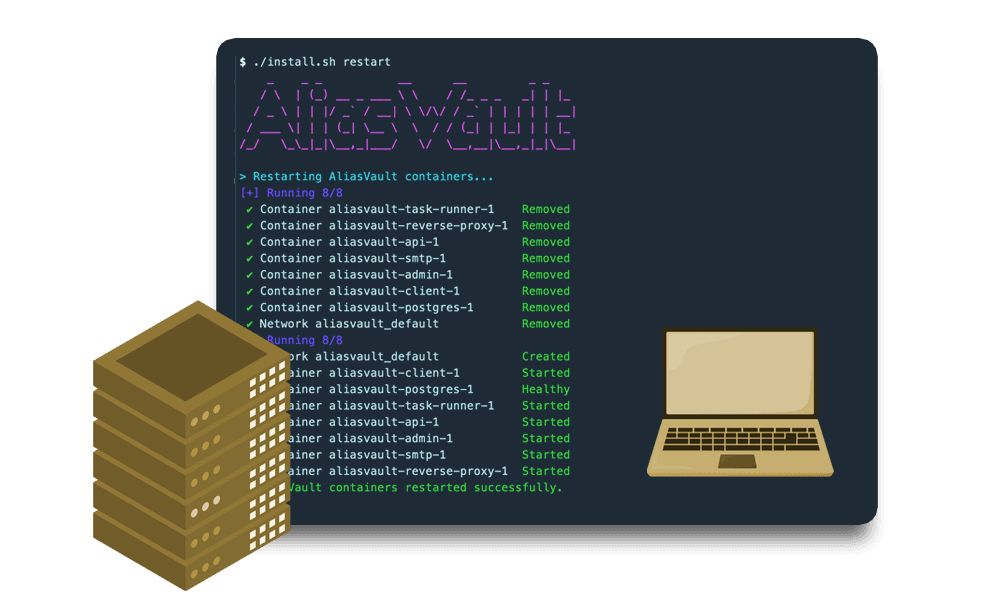
Cloud or self-hosted: your choice
1Password only offers their own cloud-hosted version. AliasVault gives you the choice: use the cloud-hosted version for convenience, or (for people with technical experience) fully self-host AliasVault so you stay in control of where your data lives.
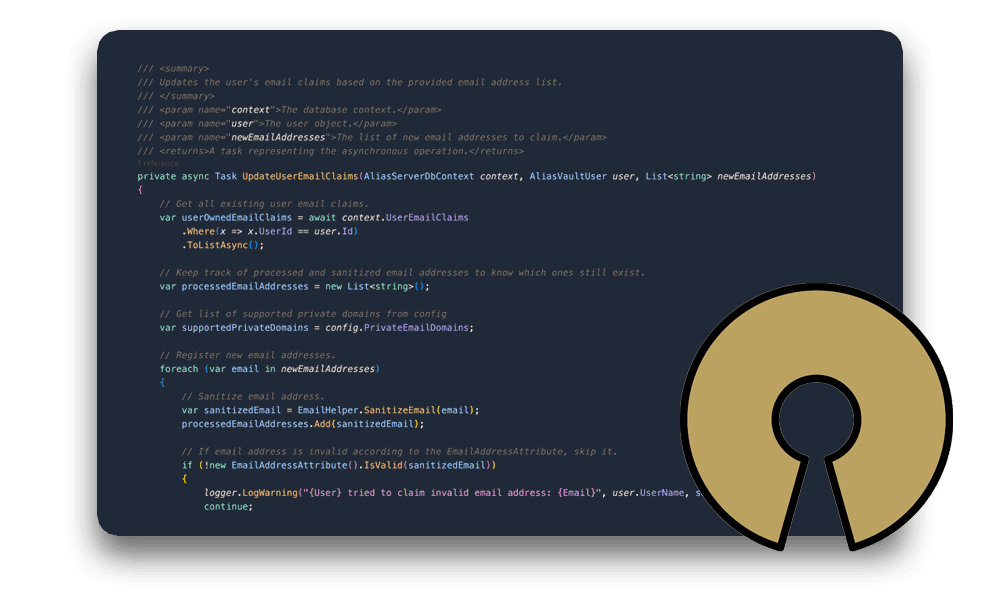
Built for individuals, not enterprises
1Password is an excellent choice for businesses and teams. AliasVault however is designed primarily for individuals and families who want a simple and focused experience that protects both your data and privacy: passwords, passkeys, aliases, and identities in one place.
Feature Comparison
| Feature | AliasVault | 1Password |
|---|---|---|
| Password Management | ✅ | ✅ |
| Passkeys | ✅ | ✅ |
| Built-in 2FA authenticator (TOTP) | ✅ | ✅ |
| Email Alias Management | ✅ | ⚠️ |
| Built-in email inbox | ✅ | ❌ |
| Random Identity Generation | ✅ | ❌ |
| Open Source | ✅ | ❌ |
| End-to-End Encryption | ✅ | ✅ |
| Self-hosting option | ✅ | ❌ |
| Generous free tier | ✅ | ❌ |
| Enterprise features | ❌ | ✅ |
| Browser Extensions | ✅ | ✅ |
| Mobile Apps | ✅ | ✅ |
Good to Know
In the spirit of transparency, here are some current limitations of AliasVault compared to 1Password:
- Enterprise features: If you need enterprise administration (SSO, SCIM provisioning, advanced admin controls), 1Password is a better fit. AliasVault is primarily built for consumers and private persons.
Import from 1Password in minutes
AliasVault offers a built-in import mechanism allowing you to transfer all your data in 1Password to AliasVault in just a few steps. This includes all your credentials, folders, notes, attachments and more. Try it out now.
Try it out now